BasicsPost-launch
GTA 6 PS5 vehicle menu and ducking controls
See the full list:Best GTA 6 settings and controls →GTA 6 wanted level: how to lose the cops →GTA 6 beginner tips: things to know before you start →
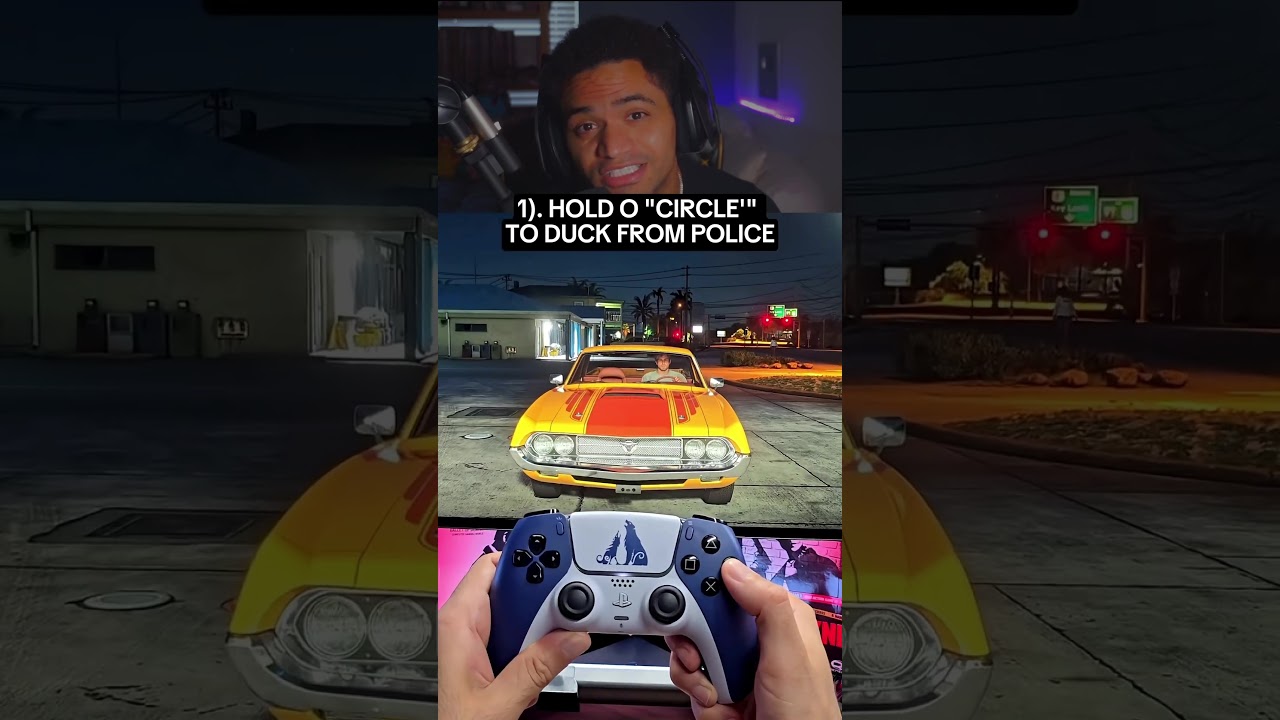
On the default PS5 layout, hold D-pad Left and push the right stick up to open the vehicle menu for windows. Holding Circle makes Jason duck in the car, according to Nightlennn.
How to do it
- Hold D-pad Left and push the right stick up to open the vehicle menu.
- Hold Circle to duck inside the car.
Tricks in these videos
Duck low inside your vehicle to stay out of sight while police search for you by holding Circle on PlayStation or B on Xbox.
- Where: Open world
Open the vehicle menu to control car windows and functions by holding Left on D-pad and pushing Right Analog Stick Up.
- Where: Open world
Original sources
01YouTubeTricksEnglishPost-launch
GTA 6 PS5 vehicle menu and ducking controls
YouTubePlatform stats · Recorded Nov 29, 202630,357 views534 likesThe date is when the public figures were checked. Platform pages and search indexes may lag.02Guide sitesGuidesEnglishPost-launch
GTA 6 Handbrake drifts and ducking in a car
Unconfirmed· checked Nov 29, 2026Hold Cross on PS5 or A on Xbox while turning to drift with the handbrake. GTABase also lists holding Circle or B to duck in a car and double-tapping Triangle or Y on exit to leave the engine running.
StepsPS5 · Xbox Series X|S
- While turning at speed, hold Cross on PS5 or A on Xbox to use the handbrake.
- Hold Circle or B to duck inside the vehicle.
No platform counts available