BasicsPost-launch
GTA 6 quick route: hold D-pad Down for nearby places
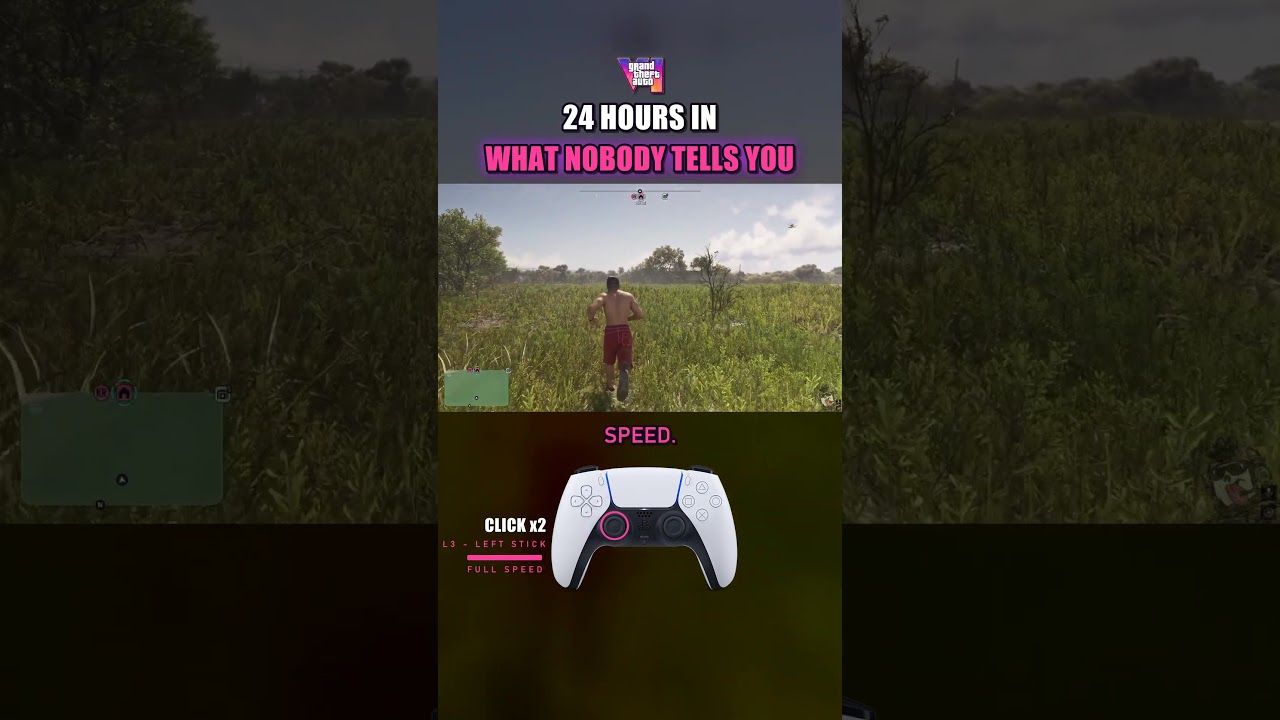
According to Kryptic Reels, hold D-pad Down to view nearby places and set a route directly from that view. The YouTube description also says clicking the left stick starts running and a second click reaches full speed.
How to do it
- Hold D-pad Down to see nearby places.
- Set your route from that view.
Tricks in these videos
Click the Left Stick twice to run at full speed instead of repeatedly tapping the X button.
Hold Down on the D-pad to view nearby locations and set a route without opening the full map.
Identify enterable doors by their icons: white doors allow safe entry, whereas red doors trigger an alarm.
Check your phone regularly to read missed text messages that unlock new missions.
Original sources
01YouTubeTricksEnglishPost-launch
GTA 6 quick route: hold D-pad Down for nearby places
YouTubePlatform stats · Recorded Nov 21, 202631,458 views747 likesThe date is when the public figures were checked. Platform pages and search indexes may lag.02XTricksEnglishPost-launch
GTA 6 quick waypoint: set one without opening the map
Set a waypoint without the map: hold D-pad Down, pick a nearby location and press R3, per SlipsterOG.
Steps
- Hold Down on the D-pad
- Select a nearby location
- Press R3
No platform counts available