BasicsPost-launch
GTA 6 controller aim: tune sensitivity for better response
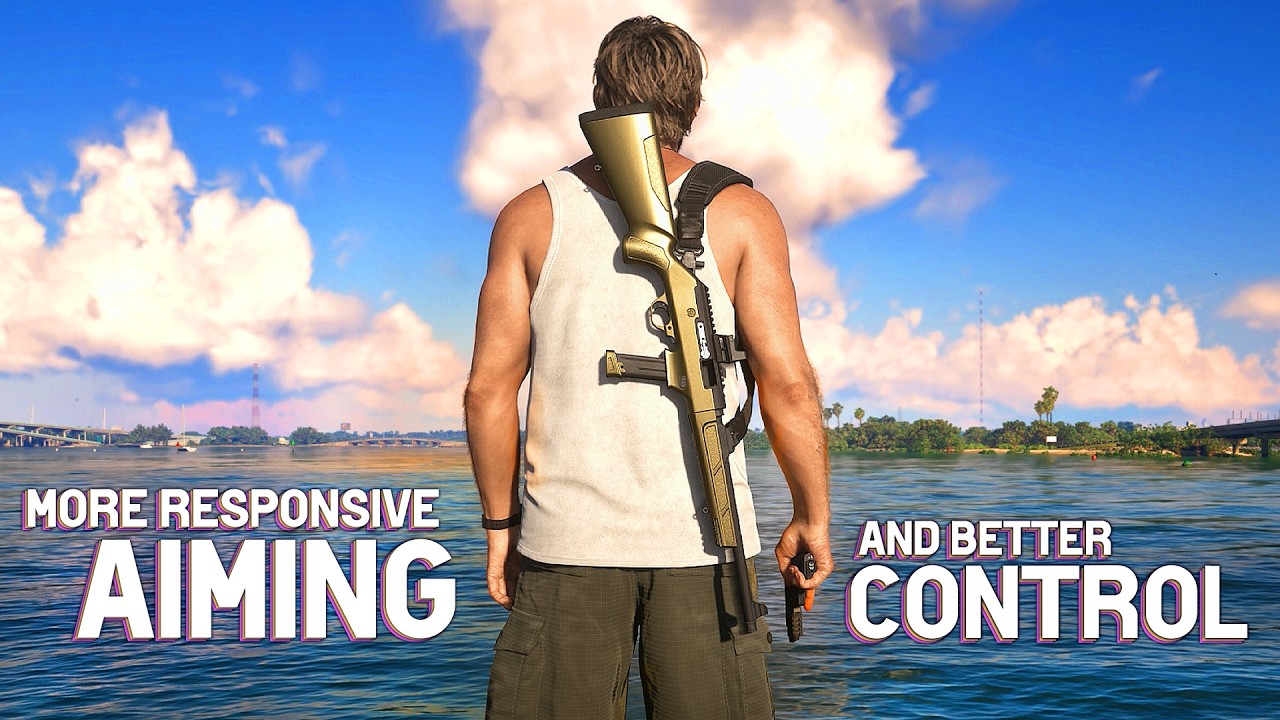
Boomstick Gaming says tuning controller sensitivity and related settings can improve aiming response and accuracy. The YouTube guide covers PS5 and Xbox controller settings.
Tricks in this video
Eliminate crosshair sway while standing still by setting Weapon Sway to Off under Settings > Camera > Comfort.
Prevent automatic crosshair adjustments while aiming by setting Targeting to Free Aim and Shooting Assist to Off under Settings > Gameplay > Combat.
Tighten your view for precise long-range aiming by pressing the right stick while aiming in third person.
Toggle a true first-person aim-down-sights view by equipping an optics sight attachment and pressing the right stick while aiming.
Use hip fire without aiming when enemies are in close range for fast and accurate shooting.
Original sources
01YouTubeGuidesEnglishPost-launch
GTA 6 controller aim: tune sensitivity for better response
YouTubePlatform stats · Recorded Nov 19, 202645,088 views1,219 likesThe date is when the public figures were checked. Platform pages and search indexes may lag.