BasicsPost-launch
GTA 6 on-foot controls: press R3 to look behind
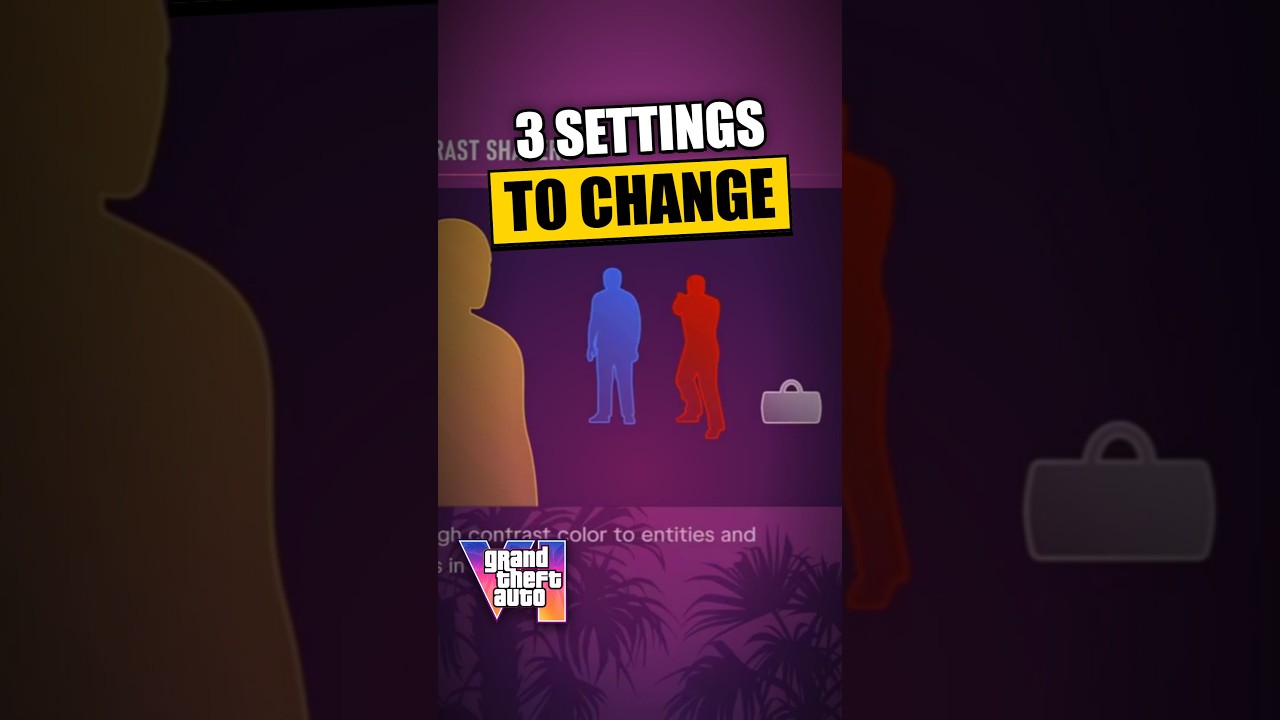
Press R3 to look behind while on foot, according to Duskrig. The YouTube guide also suggests reducing motion blur and enabling high contrast.
How to do it
- While on foot, click the right stick (R3) to look behind.
Tricks in this video
Set Motion Blur to 0 under Display settings to eliminate screen blur during movement.
- Where: Settings > Display
Turn on High Contrast Shaders in Display settings to highlight interactable objects and people in bold colors.
- Where: Settings > Display
Press R3 while running on foot to look behind your character without slowing down.
- Needs: PlayStation controller
Original sources
01YouTubeTricksEnglishPost-launch
GTA 6 on-foot controls: press R3 to look behind
YouTubePlatform stats · Recorded Nov 19, 202611,734 views329 likesThe date is when the public figures were checked. Platform pages and search indexes may lag.