BasicsPost-launch
GTA 6 Phone shortcuts for WAiNK, Scooter Bros and BuckMe
See the full list:GTA 6 beginner tips: things to know before you start →How to fast travel in GTA 6 →How to keep a car in GTA 6: register, save and store it →
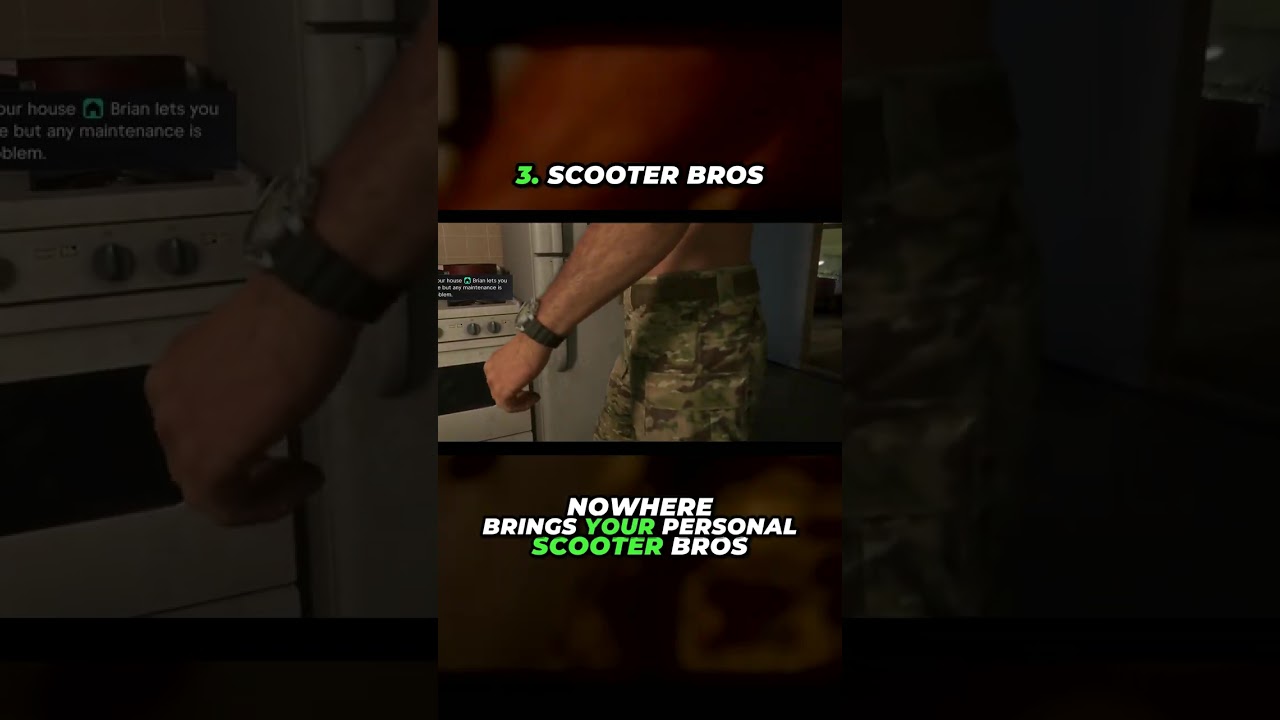
According to GTA 6 Content, the phone can open WAiNK quickly, skip a RydeMe ride, call a vehicle back with Scooter Bros and deposit cash with BuckMe. The guide also covers first-person phone view.
Tricks in this video
Open the Waink app quickly by holding Up on the D-pad, then hold R1 or RB near a vehicle to check its alarm and tracker status.
Fast travel across Leonida by booking a ride with the RydMe app and paying an extra $100 to skip the trip.
Call in your registered personal vehicle directly to your current location using the Scooter Bros phone app.
- Needs: Unlocked in Chapter 2 via Moses missions
Prevent losing pocket cash when wasted or busted by opening the BuckMe app and using the ATM Finder to deposit your money.
Force a first-person view inside vehicles by setting Phone Display to First Person under Camera settings and pulling out your phone.
Original sources
01YouTubeGuidesEnglishPost-launch
GTA 6 Phone shortcuts for WAiNK, Scooter Bros and BuckMe
YouTubePlatform stats · Recorded Nov 27, 2026630 views9 likesThe date is when the public figures were checked. Platform pages and search indexes may lag.