BasicsPost-launch
GTA 6 Jason’s phone: take a selfie with your partner
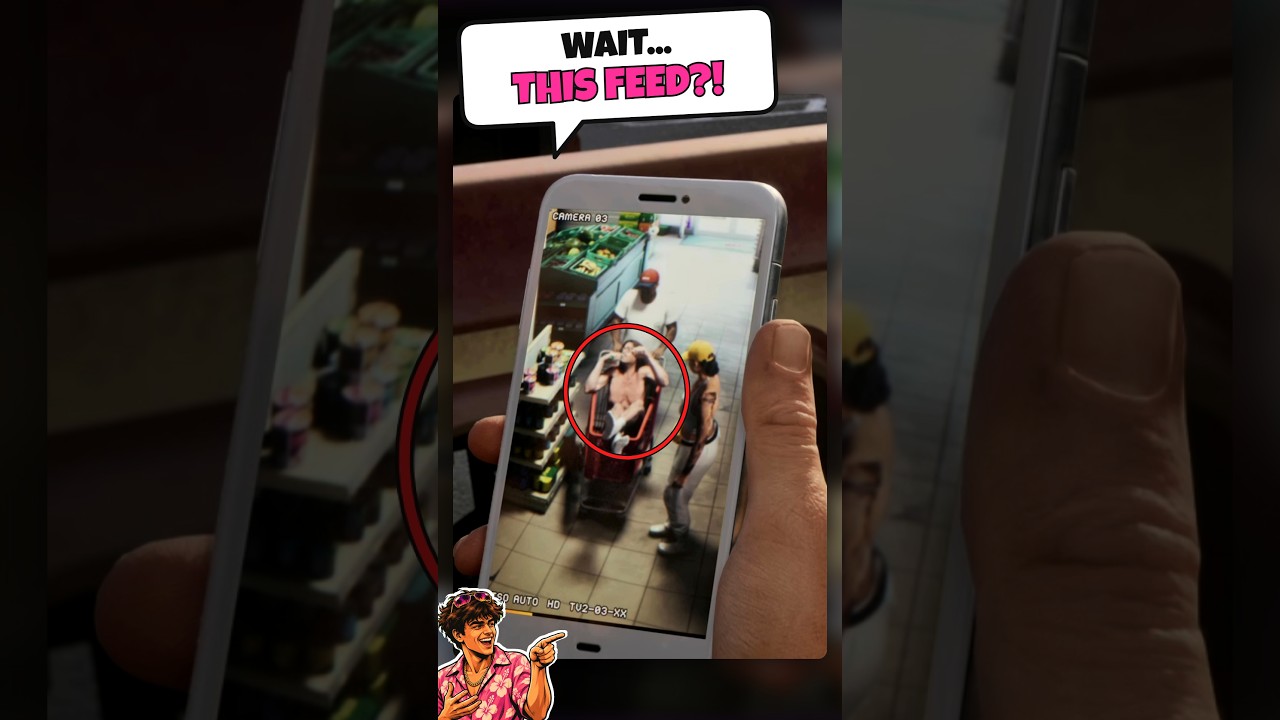
According to Pixel Evidence, Jason’s phone can take a selfie with a partner pose and use custom ringtones. The creator says the footage was recorded on the November 19 PS5 launch build.
Tricks in this video
Take selfies with custom poses by opening the Camera app, flipping to selfie mode, and choosing from six selfie poses or a partner pose.
- Where: In-game phone Camera app
Monitor Jason's Strength, Cardio, and Focus physical stats by opening the Fitness app on your phone.
- Where: In-game phone Fitness app
Customize your phone appearance and sound by opening Settings to change wallpapers or select ringtones.
- Where: In-game phone Settings menu
Scan a vehicle's lock, security, and tracker status before stealing by opening Waink on your phone.
- Where: In-game phone Waink app
Access a police scanner on your phone by going into Settings and selecting cop_scanner_v3.1.9 under Third-Party Plugins.
- Where: In-game phone Settings > Third-Party Plugins
Original sources
01YouTubeGuidesEnglishPost-launch
GTA 6 Jason’s phone: take a selfie with your partner
YouTubePlatform stats · Recorded Nov 20, 20261,339 views14 likesThe date is when the public figures were checked. Platform pages and search indexes may lag.