BasicsPost-launch
GTA 6 PS5: turn off Adaptive Speed Limiter
See the full list:Best GTA 6 settings and controls →
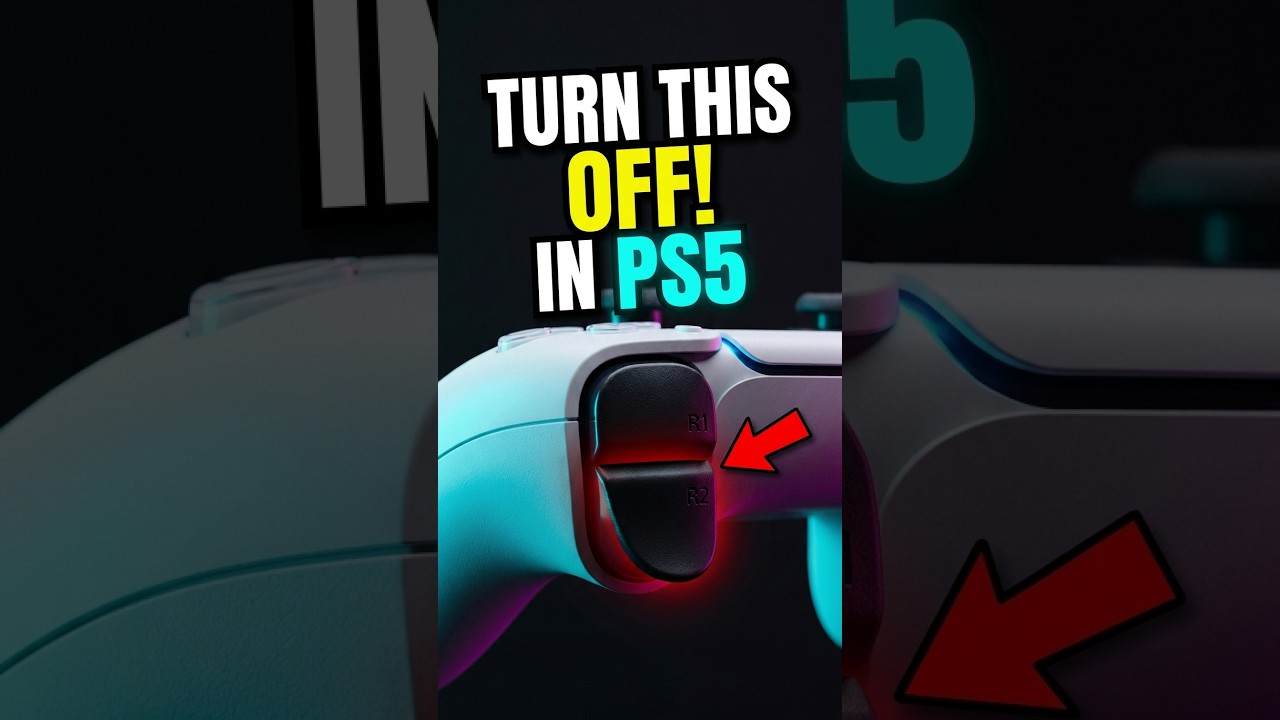
On PS5, open the Controller tab in Settings and turn off Adaptive Speed Limiter under DualSense Features to remove the R2 driving limiter, according to GamingwithSahil. The YouTube description gives the full menu path.
Try this Pause and open Settings.
How to do it
- Pause and open Settings.
- Press R1 to open Controller.
- Scroll to DualSense Features and set Adaptive Speed Limiter to Off.
Tricks in this video
Disable trigger resistance when driving on PS5 by turning off Adaptive Speed Limiter in controller settings.
- You get: Full throttle response without trigger resistance
- Needs: PS5 console and DualSense controller
Original sources
01YouTubeTricksHindiPost-launch
GTA 6 PS5: turn off Adaptive Speed Limiter
YouTubePlatform stats · Recorded Nov 27, 2026348 views10 likesThe date is when the public figures were checked. Platform pages and search indexes may lag.