BasicsPost-launch
GTA 6 PS5 Camera setting for first-person driving
See the full list:Best GTA 6 settings and controls →
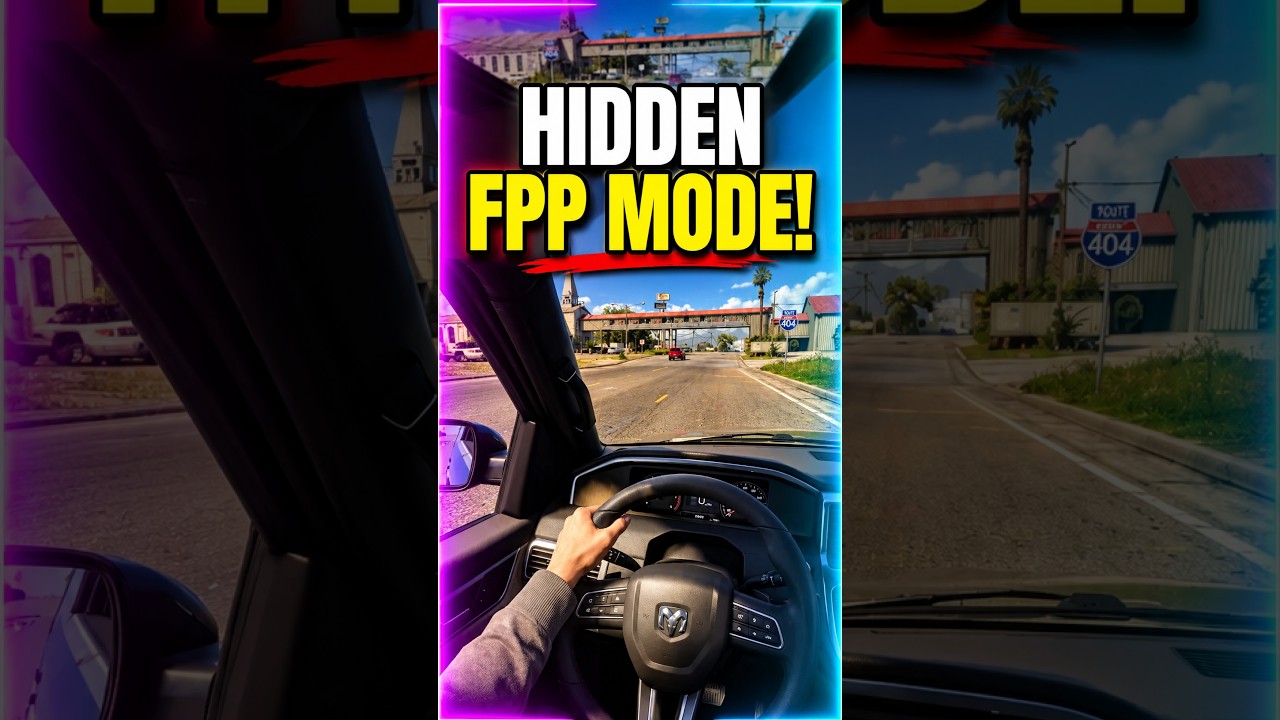
GamingwithSahil says you can switch to a first-person driving view on PS5 by setting Touchpad Button to Camera. In the car, open the in-game phone and press Exit and the touchpad together.
How to do it
- Open Settings and go to Controller.
- Set Touchpad Button to Camera.
- Get into a car, open the in-game phone and press Exit and the touchpad together.
Original sources
01YouTubeTricksHindiPost-launch
GTA 6 PS5 Camera setting for first-person driving
YouTubePlatform stats · Recorded Nov 29, 2026638 views15 likesThe date is when the public figures were checked. Platform pages and search indexes may lag.