VehiclesPost-launch
GTA 6 Car Tips: recover a flipped car and use Auto Drive
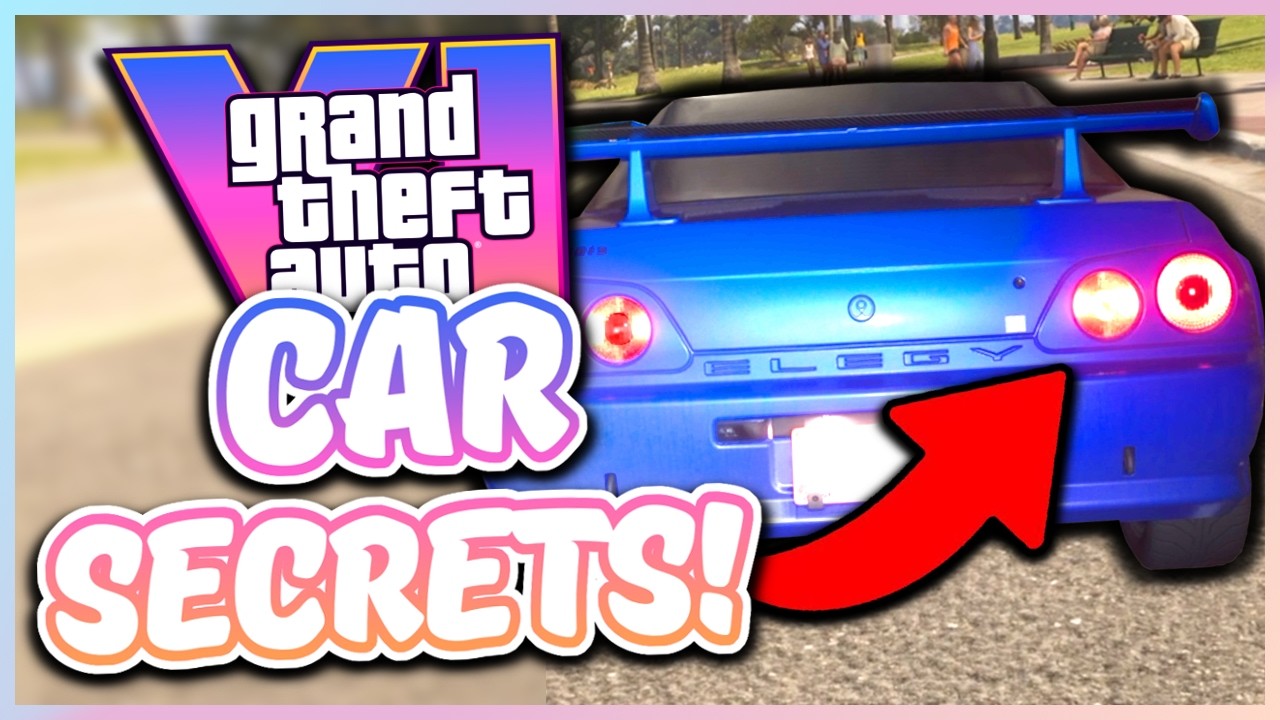
A flipped car can be pushed back upright, according to YouTube creator BRO YOU WACK. Separate chapters cover Auto Drive, keeping the engine running and attacking with a car door.
Tricks in this video
Flip an overturned car back onto its wheels by pushing Up on the left stick against it and holding Circle on PlayStation or B on Xbox.
Drive automatically to any map waypoint by setting a destination, holding Down on the D-pad, choosing Cinematic camera, and holding Square or X.
Leave your car's engine running when exiting by pressing Triangle or Y twice, or press Triangle/Y twice and X/A twice to leave the door open.
Access vehicle controls such as convertible roof, windows, trunk, hazards, and engine toggle by pressing Left on D-pad and flicking Right Stick up.
Cycle vehicle headlights through off, low beam, and high beam directly while driving by pressing Square on PlayStation or X on Xbox.
Request instant delivery and repair of any owned or impounded vehicle to your location using the Scooter Bros phone app.
Knock over nearby bikers or pedestrians while driving by pressing Circle on PlayStation or B on Xbox to swing your car door open.
Mute the car radio or podcast instantly upon entering a vehicle by pressing Left on the D-pad twice.
Fast travel across the map by setting a waypoint, calling RydeMe on your phone, entering the taxi, and holding Triangle or Y.
Turn on left or right turn signals while driving a vehicle by pressing Left or Right on the D-pad.
Original sources
01YouTubeTricksEnglishPost-launch
GTA 6 Car Tips: recover a flipped car and use Auto Drive
0:30 · HighlightYouTubePlatform stats · Recorded Nov 22, 20261,312 views33 likesThe date is when the public figures were checked. Platform pages and search indexes may lag.