BasicsPost-launch
GTA 6 Snapmatic: reveal map locations through comments
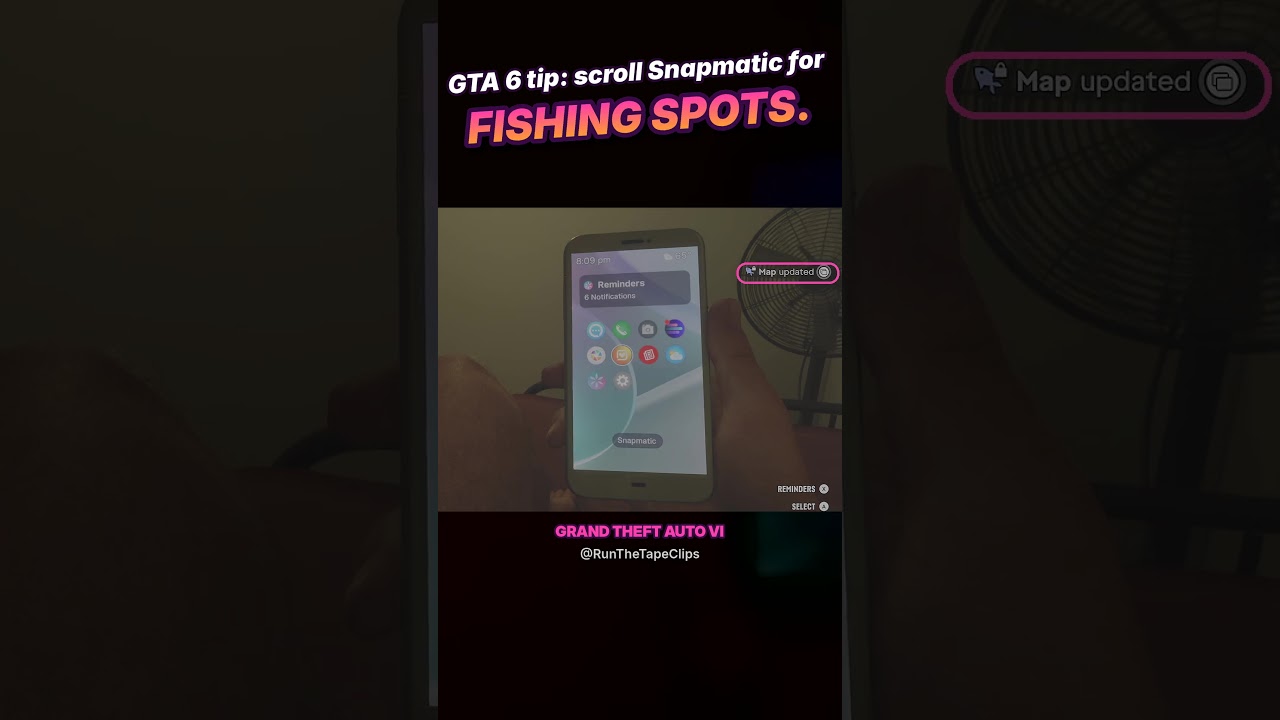
Opening comments on a Snapmatic post with a location adds that spot to the map, according to RunTheTapeClips. The YouTube clip describes browsing posts and opening their comments.
How to do it
- Browse Snapmatic for a post with a location.
- Open its comments to add the spot to the map.
Tricks in this video
Discover and mark new fishing spots on your map by opening Snapmatic on your phone and scrolling through posts or comments.
- Where: In-game phone, Snapmatic app
- You get: Fishing spot map markers
Original sources
01YouTubeTricksEnglishPost-launch
GTA 6 Snapmatic: reveal map locations through comments
YouTubePlatform stats · Recorded Nov 19, 20261,126 views10 likesThe date is when the public figures were checked. Platform pages and search indexes may lag.