VehiclesPost-launch
GTA 6 vehicle menu: hazards, engine and convertible roof
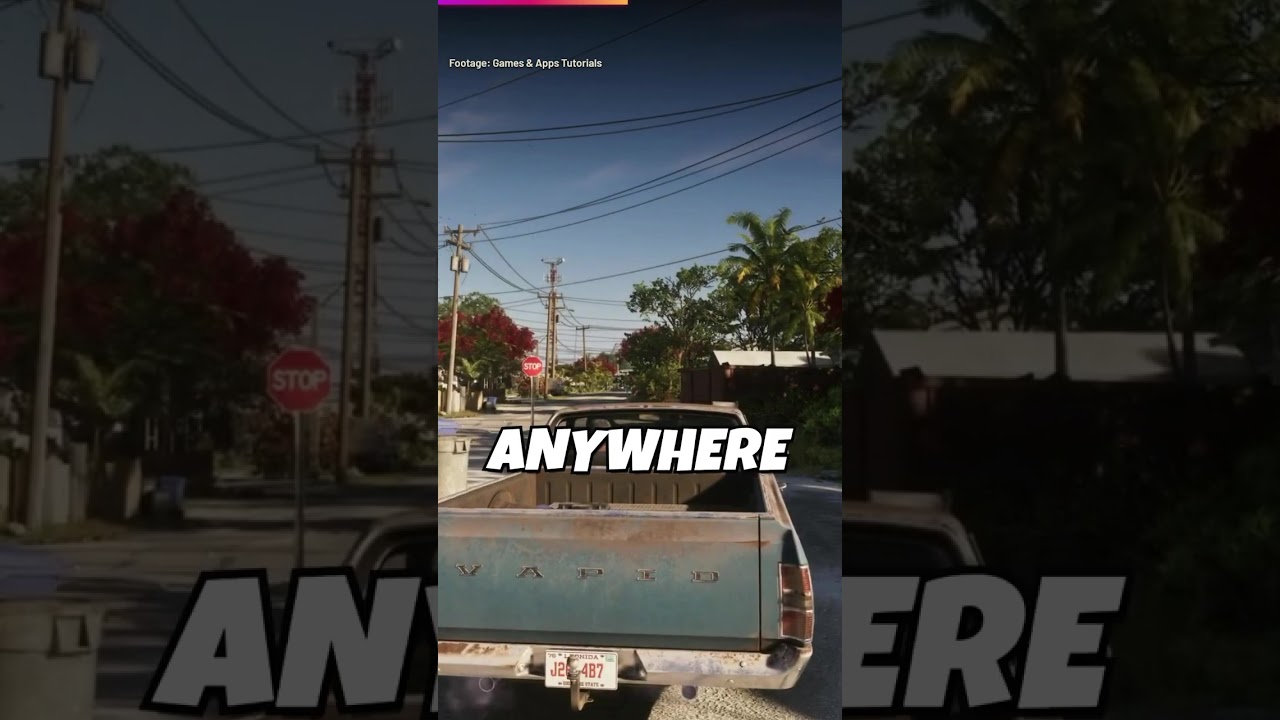
Hold D-pad Left and push the right stick up for the vehicle menu, including hazards, engine and convertible roof controls, according to Grand Tales Auto. The YouTube creator also says using the phone while driving moves the camera into the driver's seat.
Try this Hold D-pad Left and push the right stick up.
How to do it
- Hold D-pad Left and push the right stick up.
- Choose hazards, engine or roof controls in the vehicle menu.
Tricks in this video
Open the vehicle interaction menu while seated in a car by holding Left on the D-pad and pushing the Right Stick Up.
Toggle vehicle hazard lights on or off from inside your car using the vehicle interaction menu.
Turn off your car's engine without getting out by selecting Engine Off in the vehicle menu.
Operate a convertible car's roof from the driver's seat by selecting Convertible Roof in the vehicle menu.
- Needs: Convertible vehicle
Activate turn signals while driving by tapping Left or Right on the D-pad, and tap again to cancel.
Switch the camera into first-person driver perspective while driving by pulling out your cell phone.
Original sources
01YouTubeTricksEnglishPost-launch
GTA 6 vehicle menu: hazards, engine and convertible roof
YouTubePlatform stats · Recorded Nov 21, 20261,200 views22 likesThe date is when the public figures were checked. Platform pages and search indexes may lag.