VehiclesPost-launch
GTA 6 vehicle shortcuts: engine, headlights and Auto Drive
See the full list:GTA 6 beginner tips: things to know before you start →GTA 6 wanted level: how to lose the cops →How to fast travel in GTA 6 →
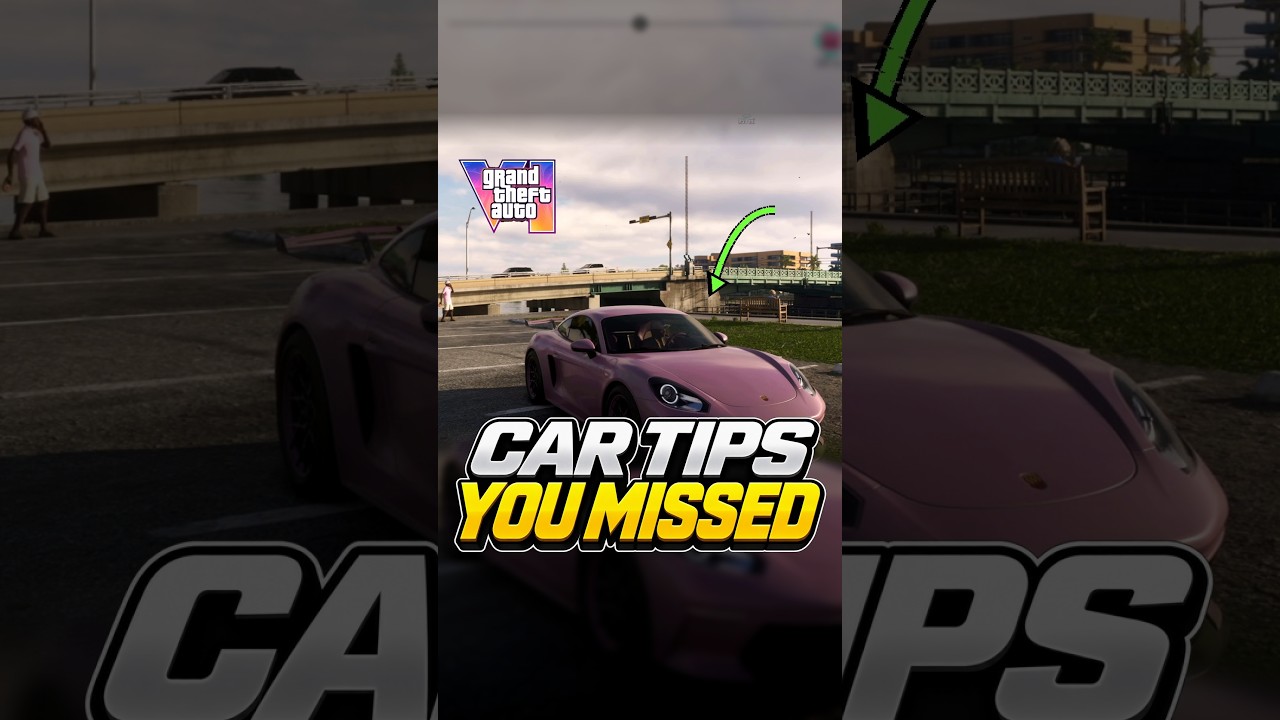
Misleading says drivers can cycle the headlights, leave the engine running, use Auto Drive and push a parked car. The YouTube video covers eight shortcuts with Xbox and PlayStation controls.
Tricks in this video
Hide from police in a car by holding B on Xbox or Circle on PlayStation to lay low.
Keep your vehicle's engine running when exiting by double-tapping Y on Xbox or Triangle on PlayStation.
Shout at annoying drivers around you by double-clicking the Right Stick (RS or R3).
Cycle your vehicle's headlights on, high beams, or off by tapping B on Xbox or Circle on PlayStation.
Push or shove your vehicle on foot by clicking Left Stick and holding X on Xbox or Square on PlayStation.
Toggle the vehicle radio on or off without opening the menu by double-tapping Left on the D-pad.
Swing your car door open while driving to hit pedestrians or other cars by tapping X on Xbox or Square on PlayStation.
Auto-drive to your set map waypoint in cinematic mode by holding Down on D-pad, pressing Options, and holding Circle.
Original sources
01YouTubeGuidesEnglishPost-launch
GTA 6 vehicle shortcuts: engine, headlights and Auto Drive
YouTubePlatform stats · Recorded Nov 24, 2026373 views48 likesThe date is when the public figures were checked. Platform pages and search indexes may lag.