BasicsPost-launch
GTA 6 Xbox Quick Resume frame-rate glitch
See the full list:Best GTA 6 settings and controls →
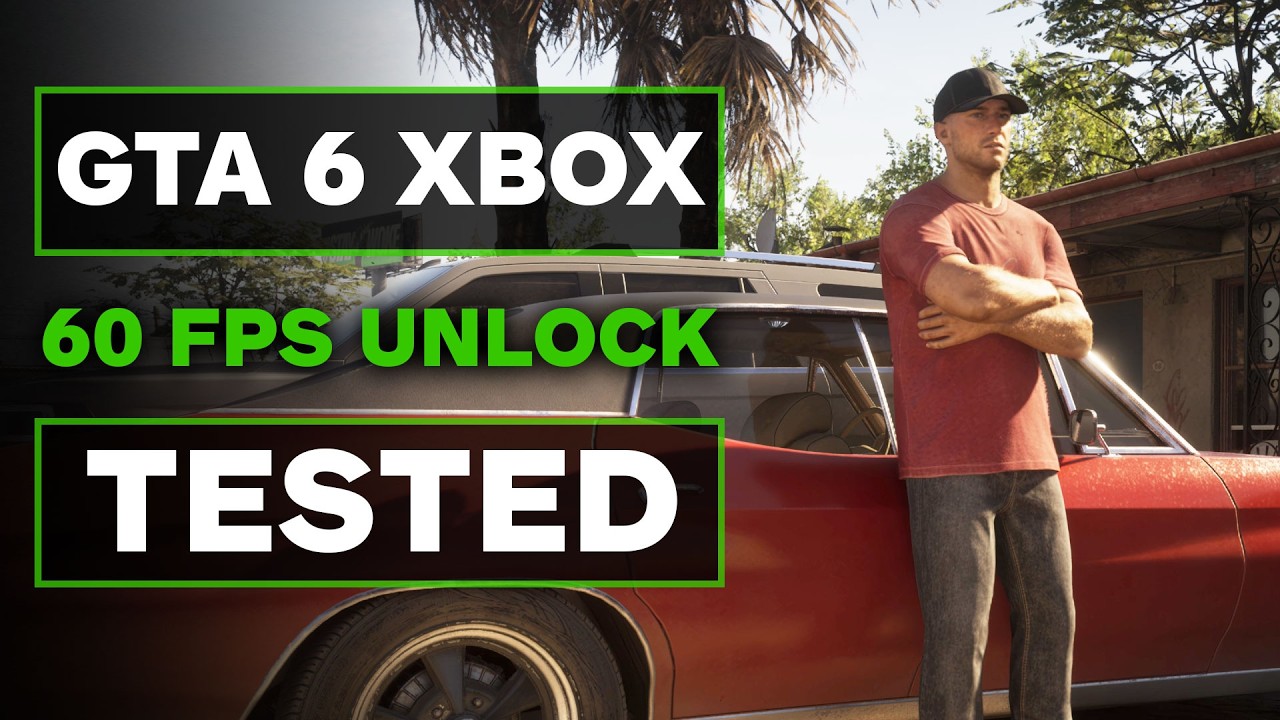
In Destin’s YouTube test, the Xbox Quick Resume glitch with a 120 Hz display setting ran at about 40 FPS on Series X, with larger dips in demanding scenes on Series S. Destin also observed unusually fast animations and gameplay.
Tricks in these videos
Unlock up to 60 FPS performance on Xbox Series consoles by using the Quick Resume display refresh rate glitch.
- You get: 60 FPS Performance Mode
- Needs: Xbox Series X or Series S console, 120Hz display
Unlock up to 60 FPS performance on Xbox Series consoles by using the Quick Resume display refresh rate glitch.
- You get: 60 FPS Performance Mode
- Needs: Xbox Series X or Series S console with a 120Hz TV or monitor
Force 15 FPS playback on Xbox Series consoles by switching display refresh rate from 120Hz to 60Hz while suspended.
- You get: 15 FPS Mode
- Needs: Xbox Series X or Series S console with 120Hz support
Original sources
01YouTubeTricksEnglishPost-launch
GTA 6 Xbox Quick Resume frame-rate glitch
YouTubePlatform stats · Recorded Nov 23, 202616,734 views284 likesThe date is when the public figures were checked. Platform pages and search indexes may lag.02YouTubeTricksEnglishPost-launch
GTA 6 Xbox Series X|S: Quick Resume unlocked frame rate
Unconfirmed· checked Nov 23, 2026A Quick Resume glitch unlocks the GTA 6 frame rate on Xbox Series X|S and can reach 60 fps, according to Digital Foundry’s test. The unlock segment starts at 1:12.
1:12 · HighlightYouTubePlatform stats · Recorded Nov 23, 2026435,047 views7,376 likesThe date is when the public figures were checked. Platform pages and search indexes may lag.