BasicsPost-launch
GTA 6 PS5 and Xbox: controller, camera and audio settings
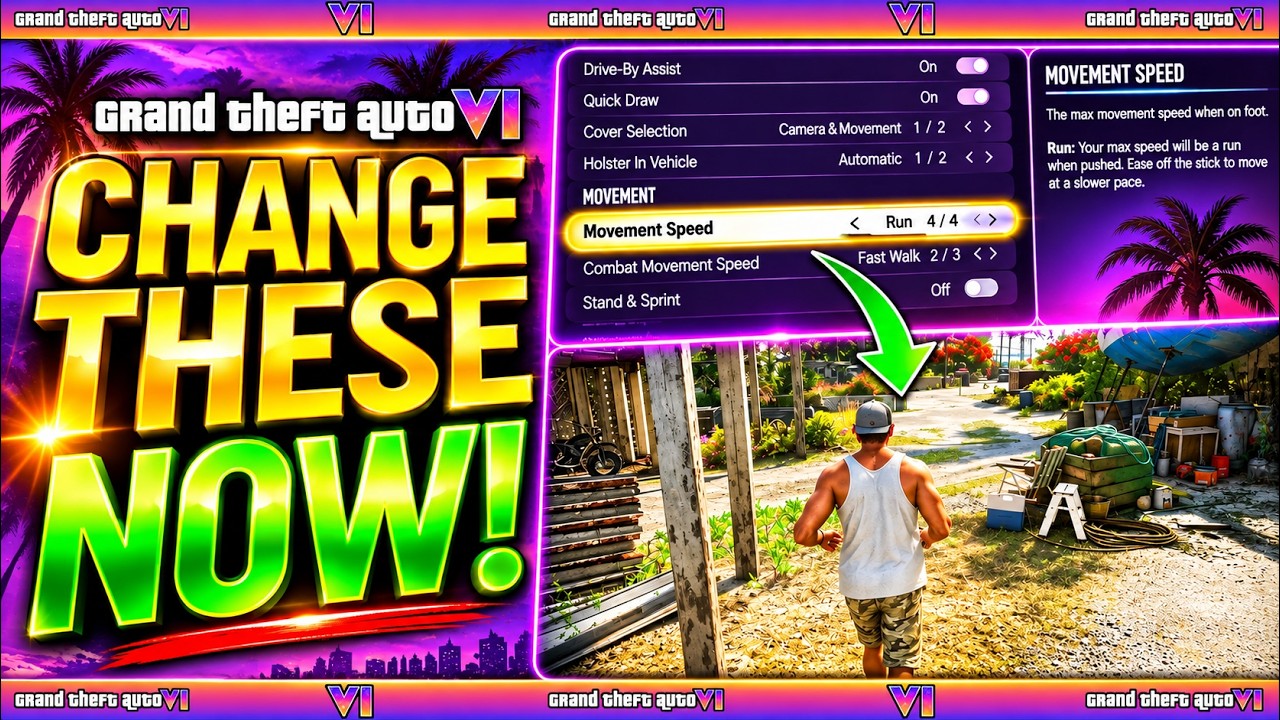
Controller, aiming, camera and audio options are DPJ's recommended starting points for adjusting GTA 6. The YouTube guide covers PS5 and Xbox Series X|S, with separate chapters for gameplay, display and UI options.
Tricks in this video
Temporarily change the View Button setting to Camera in controller settings to adjust third-person zoom, then switch it back to Map for quick map access.
- Where: Settings menu > Controller > Controller Features
Set Movement Speed to Run in Gameplay settings so pushing the left analog stick fully makes your character jog or run without holding sprint.
- Where: Settings menu > Gameplay > Movement
Turn Stand & Sprint off in Gameplay settings to prevent your character from standing up out of cover or crouch when pressing sprint.
- Where: Settings menu > Gameplay > Movement
Change Fishing to Hold in Accessibility settings to reel in fish by holding a button instead of rotating the right analog stick.
- Where: Settings menu > Gameplay > Accessibility
Switch Nitrous to Press in Accessibility settings to trigger vehicle nitrous with a single button tap rather than holding it.
- Where: Settings menu > Gameplay > Accessibility
Set Auto Drive to Unrestricted in Gameplay settings to enable automatic driving to waypoints in cinematic camera during any open-world scenario.
- Where: Settings menu > Gameplay > Accessibility
Change Height (On Foot) and Height (All Vehicles) to High in Camera settings to raise the camera angle above your character's shoulder for better visibility.
- Where: Settings menu > Camera > On Foot / Land & Water Vehicles
Turn off Camera Shake and reduce Camera Bob in Camera settings to eliminate nauseating motion wobble when running or driving.
- Where: Settings menu > Camera > Comfort
Turn Mute Licensed Music on under Audio settings to avoid copyright strikes when streaming or uploading gameplay content to YouTube.
- Where: Settings menu > Audio > Setup
Original sources
01YouTubeGuidesEnglishPost-launch
GTA 6 PS5 and Xbox: controller, camera and audio settings
1:00 · HighlightYouTubePlatform stats · Recorded Nov 19, 2026155,063 views1,094 likesThe date is when the public figures were checked. Platform pages and search indexes may lag.